


Thermaltake LCGS
TT Sync V2 Controller
TT Sync V2 Controller
SKU:CL-O051-PL00BL-A
In stock
Lieferzeit: 1 - 3 Werktage (DE)
Couldn't load pickup availability
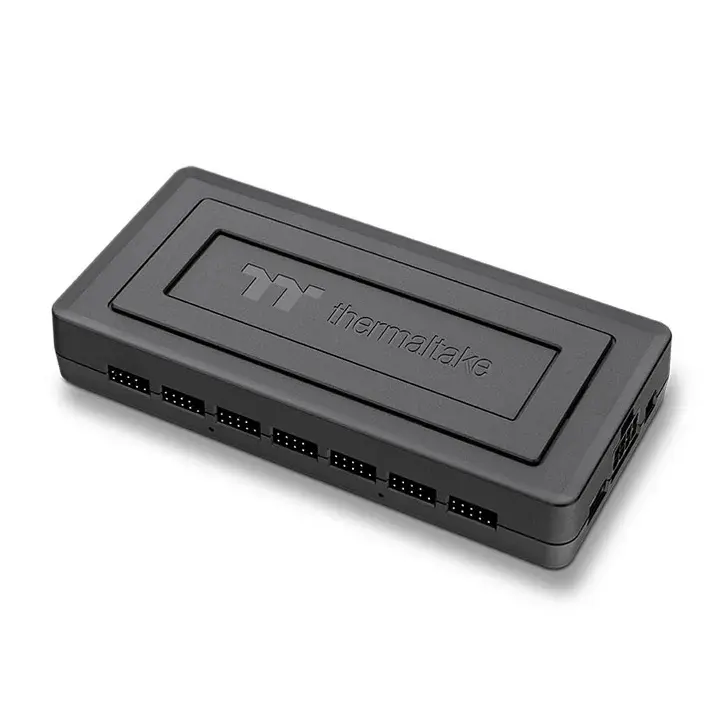
The TT Sync V2 Controller is the control center for your entire Thermaltake RGB system. Designed for enthusiasts and professional PC builders, it allows simultaneous control of lighting, fan speed, and system information – all in one compact, intelligently designed module.
Central control for up to 14 devices
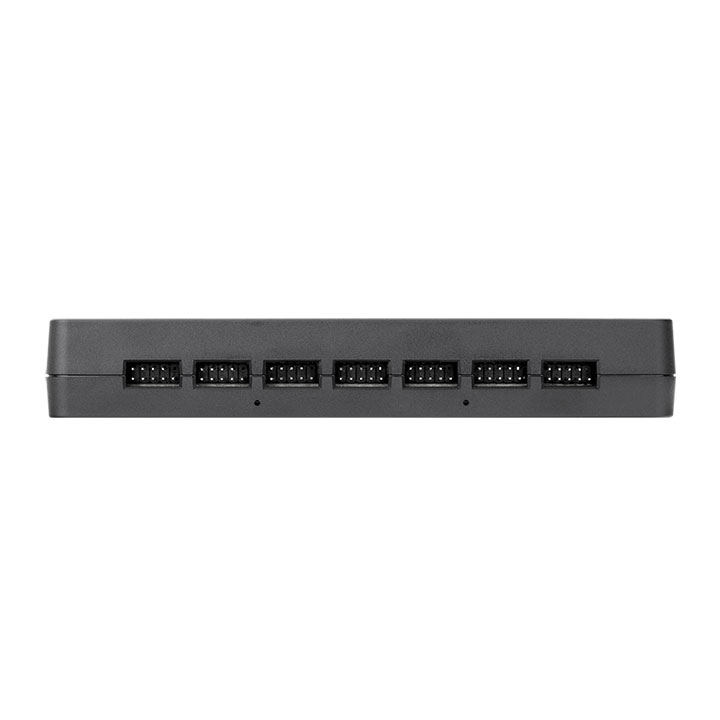
With 14 9-pin connectors, multiple Thermaltake ARGB components can be controlled at the same time – including fans, AIO coolers, LED strips, and case lighting. This saves you from using multiple individual controllers and achieves perfectly synchronized lighting control throughout the system.
Compatible with TT RGB PLUS 3.0 and motherboard sync
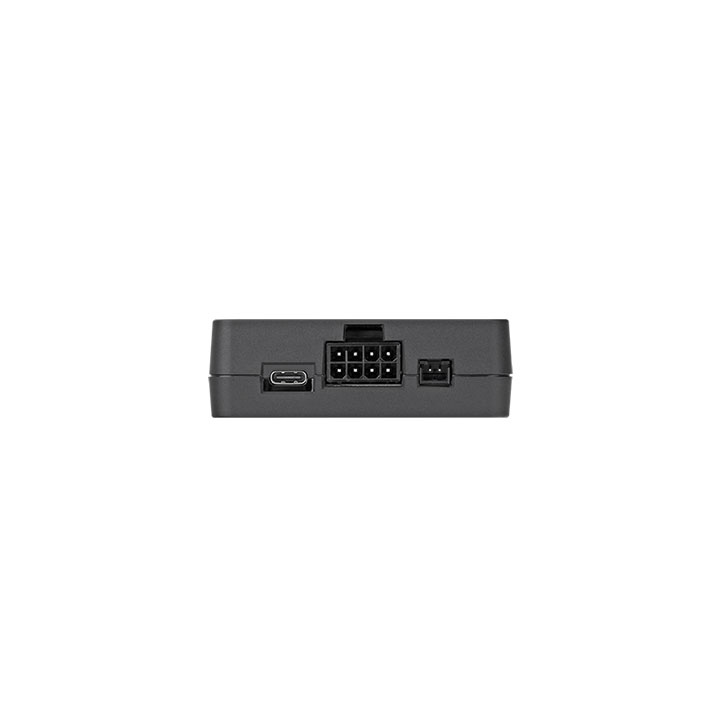
The controller supports both the TT RGB PLUS 3.0 software and common motherboard lighting systems such as ASUS Aura Sync, MSI Mystic Light, GIGABYTE RGB Fusion, and ASRock Polychrome Sync. Switching between software and motherboard mode is done directly via the integrated switch. This keeps your setup fully compatible – whether you rely on Thermaltake or motherboard control.
High-quality power supply and stable signal transmission
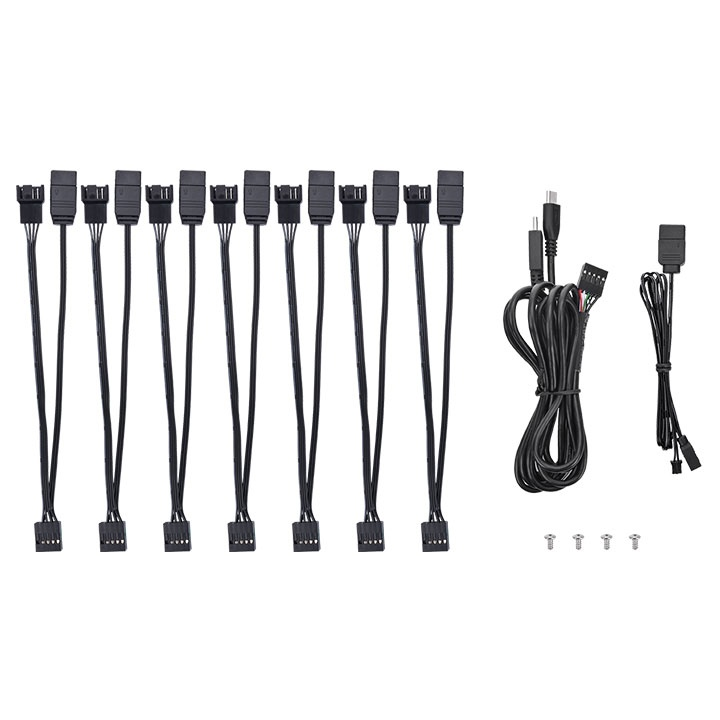
The PCIe 8-pin connector provides the TT Sync V2 with stable power for all connected devices, even under maximum load. The included cable set contains seven 3-pin ARGB and 4-pin PWM to 9-pin cables that ensure a clean connection of your components. Additionally, a USB signal cable and a motherboard sync cable are included, so you can use the controller immediately after installation – without any extra accessories.
Consistent lighting and precise control
The TT Sync V2 enables full synchronization of all connected devices – from color control to fan speed. Together with the TT RGB PLUS 3.0 software, you can customize fan profiles, temperature displays, and lighting animations. This creates a harmoniously coordinated system with precise temperature and performance monitoring.
Compact design and easy integration
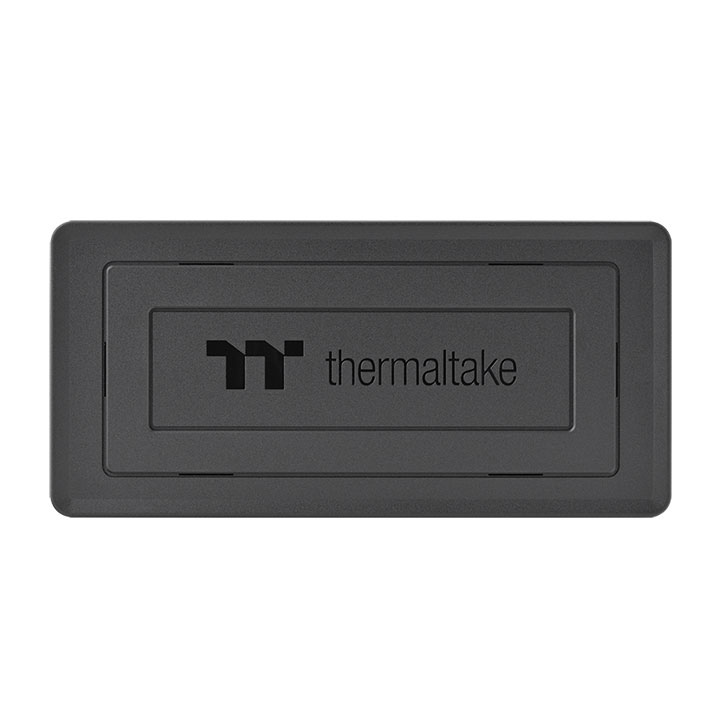
With its compact dimensions of 160 × 77 × 25 mm, the controller can be conveniently mounted inside the case. Thanks to the integrated SSD mounting points, installation is especially flexible – ideal for full-tower, mid-tower, or workstation systems. The solid build also ensures long-lasting reliability, even during continuous operation.
| Dimensions | 160 x 77 x 25 mm |
|---|---|
| Rated Voltage | 12 V |
| Parts | 3Pin ARGB & 4Pin PWM to 9Pin Cable x 7 MB ARGB Sync signal cable x1 USB Signal Cable x1 |

25 Jahre Thermaltake
Thermaltake ist seit 1999 ein Synonym für High-End-Gaming. Die Produktpalette reicht von einfachen Lüftern bis zum High-End-Gamingsystem und bietet Einsteigern und DIY-Enthusiasten eine breite Auswahl für den PC-Bau. Hohe Qualität und ansprechende Optik sind dabei für Thermaltake kein Widerspruch.
Thermaltake stellt seine Innovationskraft unter Beweis und passt die Hardware an die Bedürfnisse und technischen Anforderungen der Kunden an.